Showing posts with label Remote Desktop Access or Share over Internet. Show all posts

Remote Desktop Sharing Tool Free

|0 comments

Remote Desktop Sharing Tool Free
I have already covered about "Remote Desktop Access or Share Desktop over Internet" using team viewer software. Now I am suggesting you some other software, through which you can access remote desktop of other PCs.


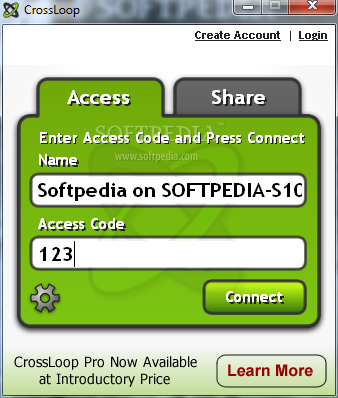
1. CrossLoop - CrossLoop is another free software for access remote desktop. CrossLoop is easier than TeamViewer software.It only takes a few minutes to setup and no signup is required. CrossLoop is a secure tool to remotely assist any PC in the world. 
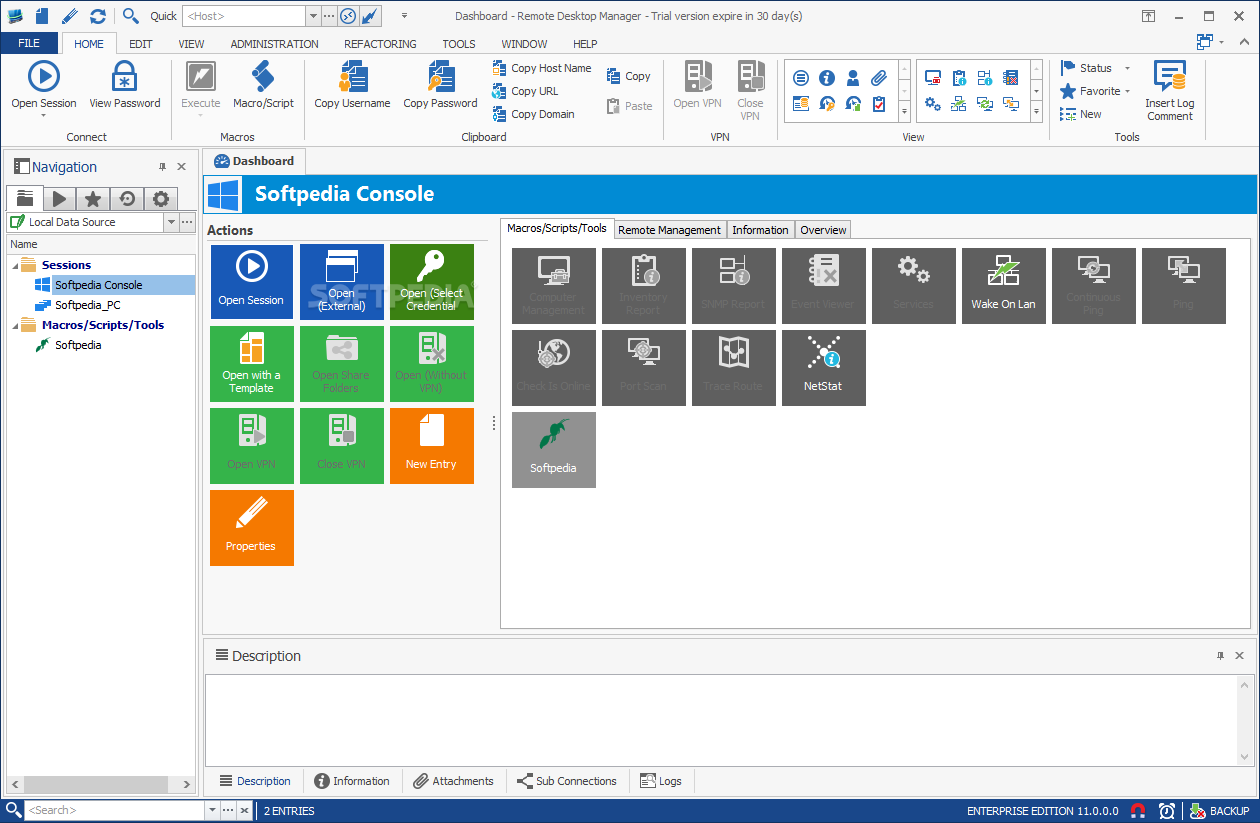
2. Remote Desktop Manager - Remote Desktop Manager is a another great tool for share your remote desktop over the internet. With Remote Desktop Manager you can add, edit, delete organize or find your remote connection quickly. Compatible with Microsoft Remote Desktop or with Terminal Services, it's a good replacement of the Remote Desktops Snap-in. But It requires Microsoft .Net Framework 3.5 for installation. 
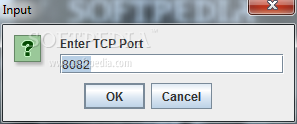
3. Remote Desktop Web - Remote Desktop Web is another a good free remote desktop utility. Remote Desktop Web is a Java AWT application that enables HTTP clients to connect and control mouse clicks and keyboard presses via a web interface. 
I will soon update some other good software. It in your knowledge some good software is available then you can leave a comment.

Remote Desktop Access or Share Desktop over Internet

|0 comments

Remote Desktop Access or Share Desktop over Internet
I have already provided two articles about Remote Desktop Sharing. Now, i am going to provide article about Remote Desktop Sharing Over Internet using TeamViewer. It is the best application for remote desktop sharing. It is totally free for home users, you don't have to pay a penny also. It is so simple to use. It is very lightweight. It supports files transfer over the internet also. It uses low resources. You can use Remote Desktop Feature on 2G gprs also. It can be download from here.
It is very useful software. For using this software both side TeamViewer software should be installed. Suppose you are having some problem in your computer and you know that your friend can resolve it, then this software will help you too much. It can take full remote control of others PC via internet. It supports windows 7 also.

How to use TeamViewer if you are in problem and you want support from your friend?

1. Download and install this software from here.
2. Run the software and you will get a screen like above screenshot.
3. You can see in the above screenshot "Your ID" and "Password". Note down it and forward to your friend via email.
4. Now tell your friend to put "Your ID" in Partner ID.
5. Now tell your partner to click on "Connect to partner".
6. Now a windows will open asking password. Provide the password.
7. Now full control of your PC will go to your friends computer. You tell the problem to your friend and he will rectify it. You can watch the same time how he is rectifying. If you think he is doing something wrong then you can disconnect also in between anytime.
Share
